


Key Takeaways
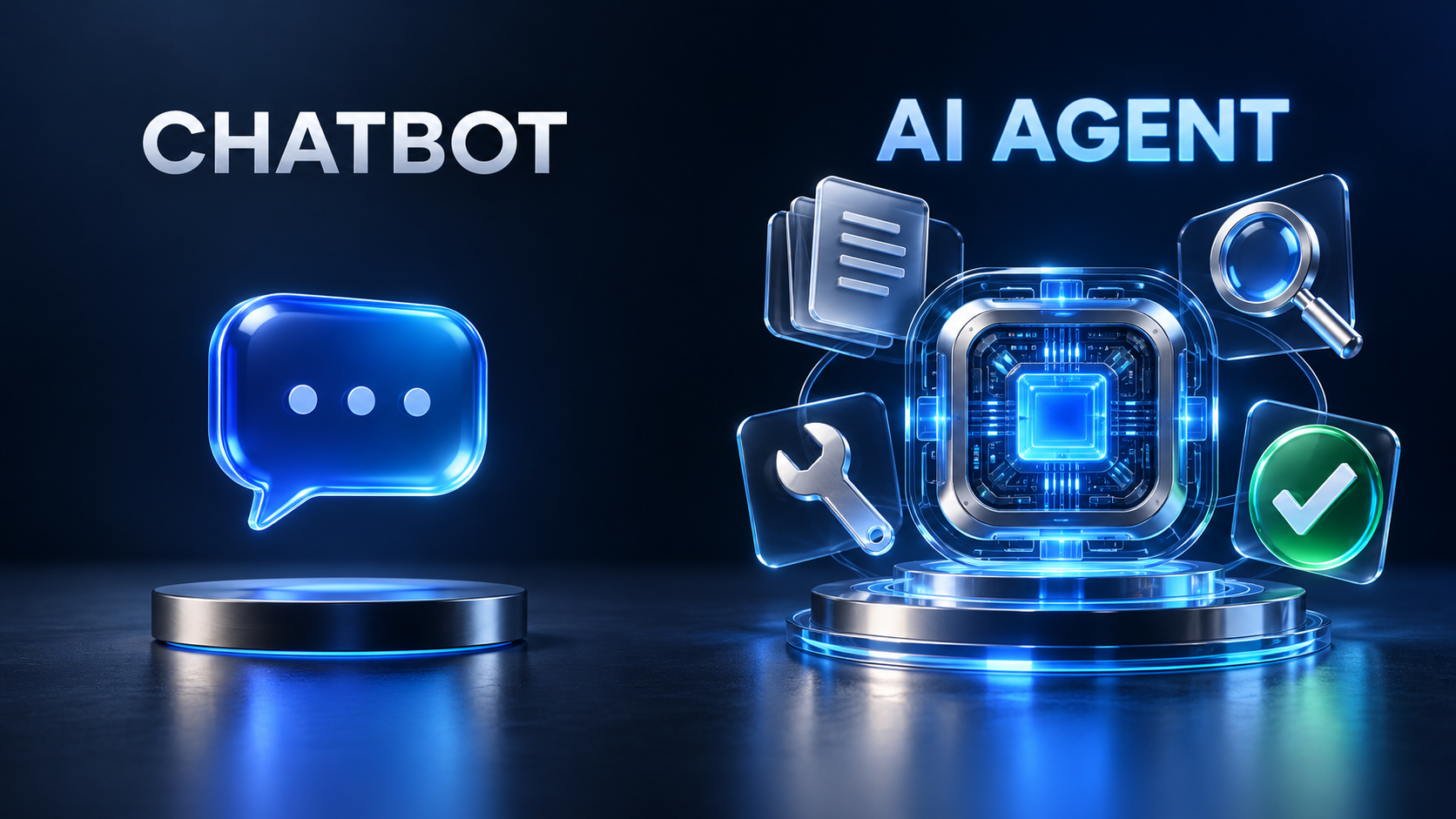
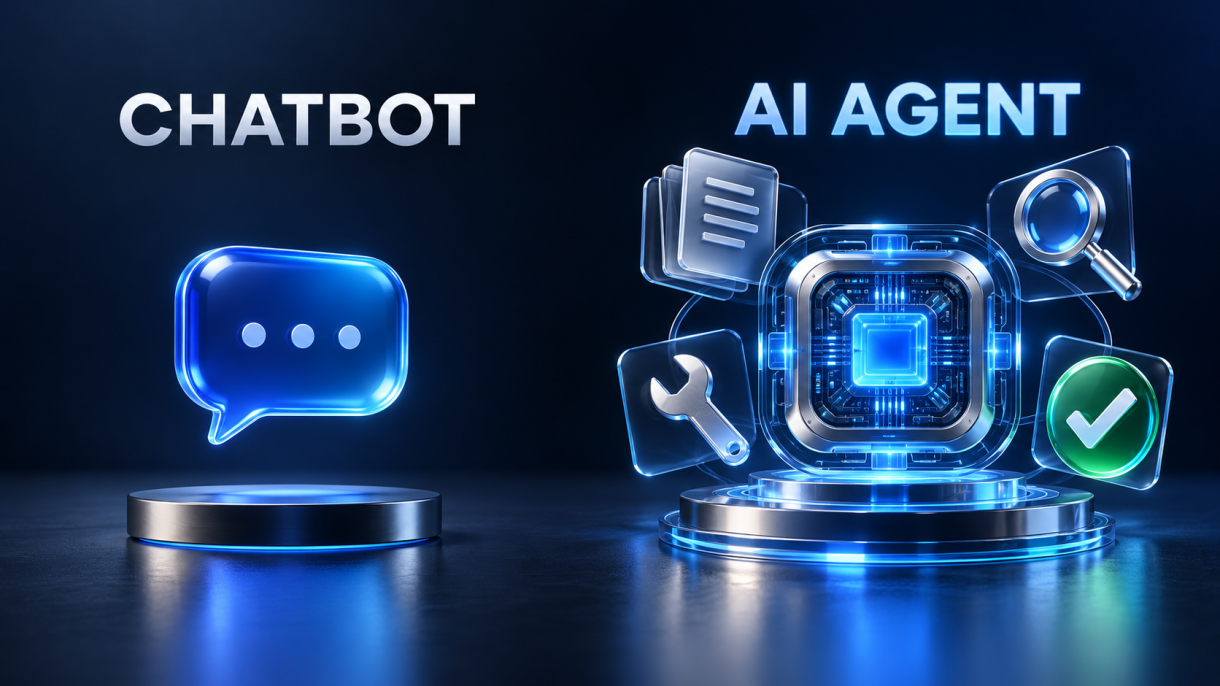
- An AI agent isn’t a smarter chatbot. A chatbot gives you an answer. An agent chooses its next step, takes an action and checks the result before it moves on.
- The agents that hold up in real use come from one loop: reason, act, observe, adjust. It was formalized in the 2022 ReAct research paper, and nearly every serious agent framework now builds on it.
- Picking the wrong agent pattern causes more failures than picking the wrong model. Sequential, reactive and planning agents each fail in their own way.
- An agent that never checks its own work is a demo, not a product. The fix is architectural: pair every generator with a validator and give the pair a loop.
- Many “first agent” tutorials have a quiet bug. The checker says “OK”, but nothing actually stops the loop. This guide shows you how to fix that.
Have you built an “AI agent” yet, with Google ADK or any other framework?
Most developers have. They wire an LLM to a prompt, maybe add a tool call, and ship it. It works in the demo. Then a real user types something slightly unexpected, the model skips a step, and the whole thing falls apart with nobody noticing.
The usual assumption is that a better model or a longer prompt will fix it.
It won’t.
The difference between a fragile agent and a reliable one is almost never the model. Instead, the structure around the model matters: how it plans, how it checks itself, and what happens when it errs. Moreover, this guide covers the ideas first, then shows you how to build your first AI agent with Google ADK.
A Chatbot Answers. An AI Agent Decides.
Here’s the simplest useful definition. An AI agent is software that doesn’t stop at producing text. It chooses what to do next.
Ask a traditional chatbot to research a topic and it returns one block of text, generated in a single pass. Ask an agent and it breaks the request into steps. It might call a search API, read what comes back, notice a gap, run another query and only then write the answer. Each result shapes the next decision.
| Traditional Chatbot | AI Agent | |
|---|---|---|
| Output | One response, generated in one pass | A sequence of decisions and actions |
| Tools | None, or a single hard-wired call | Chooses which tools to call and when |
| Feedback | Never sees whether it was right | Observes results and changes course |
| Failure mode | Confidently wrong | Can notice an error and retry |
| Best for | Q&A, drafting, summarizing | Multi-step goals with real-world actions |
The intellectual foundation comes from a 2022 paper by researchers at Princeton and Google: ReAct: Synergizing Reasoning and Acting in Language Models. The core idea is that a language model performs better when it interleaves thinking with doing instead of reasoning entirely in its head or acting blindly.
The results backed it up. On two interactive decision-making benchmarks, ALFWorld (a simulated household) and WebShop (a simulated online store), ReAct beat imitation-learning and reinforcement-learning baselines by an absolute 34% and 10% in success rate, using only one or two examples in the prompt.
That cycle of Reason → Act → Observe → Adjust is the heartbeat of every modern agent. If you only take one thing from this article, take that loop.
Why Most First AI Agents Break the Moment Real Users Touch Them
The hype around agents is huge, and so is the failure rate. Gartner predicts that by 2028, 33% of enterprise software applications will include agentic AI, up from less than 1% in 2024. In the same breath, Gartner warned that over 40% of agentic AI projects will be canceled by the end of 2027 because of rising costs, unclear value and weak risk controls.
Those two numbers describe the same market: lots of building and lots of breaking.
In my experience, the breakage comes from three predictable mistakes:
1. Treating the LLM as the whole system: Developers put all the logic in one giant prompt and hope the model follows every rule every time. LLMs are probabilistic. A rule followed 95% of the time is broken once in every twenty runs.
2. No validation step: The output goes straight to the user. If the model forgot a section, hallucinated a structure or ignored a constraint, nothing catches it.
3. The wrong control pattern: A rigid pipeline gets used for a dynamic problem, or a free-roaming agent gets used where a predictable sequence was all that was needed.
The first two are architecture problems. The third is a design problem. Let’s take the design problem first.
Choose the Right AI Agent Pattern Before You Write a Line of Code
Not all agents behave the same way. I sort them using what I call The Control Spectrum, which runs from fully predictable to fully adaptive.
1. Sequential agents (the assembly line): Step one, then step two, then step three, every time. They’re easy to debug and easy to test, and they cost the same on every run. The weakness is rigidity. If the input doesn’t fit the expected shape, the pipeline has no way to adapt.
2. Reactive agents (the improviser): At each moment the agent looks at the current state and asks, “What should I do next?” It might call Tool A on one run and Tool B on the next. This flexibility makes reactive agents good for open-ended tasks like customer support triage. The weakness is shortsightedness: they never plan more than one move ahead.
3. Planning agents (the strategist): These pause, sketch a plan and then execute it. Think about booking a trip. You don’t buy a flight at random. You fix the dates, then the flights, then the hotel near the venue, because each choice depends on the one before it. Planning agents handle multi-step goals with dependencies, at the cost of more tokens and more latency.
| Pattern | Predictability | Flexibility | Use It When… |
|---|---|---|---|
| Sequential | High | Low | The steps are known and stable |
| Reactive | Medium | High | The next step depends on what just happened |
| Planning | Medium | High | Steps depend on each other and order matters |
The point most teams miss is that production agents mix patterns. The agent we’re about to build uses a planning layer at the top, sequential steps inside it and a retry loop wrapped around each step. That combination is what makes it reliable.
Overview of Google ADK workflow
How to Build a Self-Checking AI Agent with Google ADK: The Draft–Verify–Retry Pattern
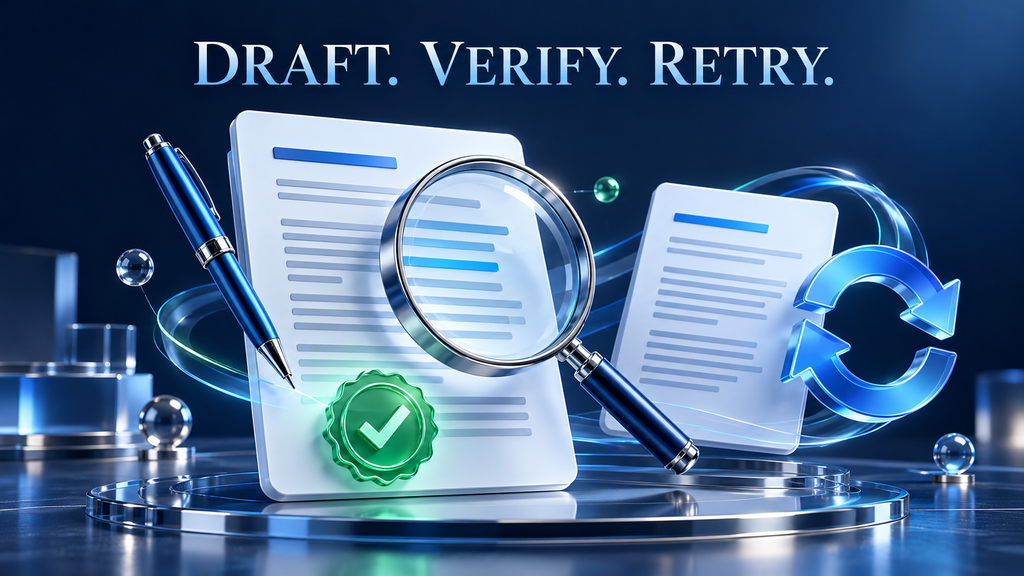
Here’s the project. You give the agent a topic. It produces a structured outline, checks the outline, turns it into a full article, checks the article, and finally suggests alternative titles and social hooks.
The architecture follows what I call The Draft–Verify–Retry (DVR) Pattern:
- Draft: an LLM agent generates something specific and narrow.
- Verify: a second, stricter LLM agent judges that output against explicit criteria.
- Retry: a loop re-runs the draft until verification passes or a retry cap is hit.
Each piece has one job. The drafter doesn’t grade its own homework. The verifier never writes content. The loop controls the flow, and none of the model calls do.
Google ADK maps neatly onto this. It gives you three categories of agents:
- LLM agents (
LlmAgent): powered by a model. These do the thinking and writing. - Workflow agents (
SequentialAgent,ParallelAgent,LoopAgent): deterministic controllers that orchestrate other agents without calling a model themselves. - Custom agents: when you need logic beyond the built-ins, you subclass
BaseAgentand write it yourself.
We’ll use the first two.
Step 1: Set Up Your Google ADK Environment
Install uv, a fast Python package and project manager:
curl -LsSf https://astral.sh/uv/install.sh | shCreate a project and install Google ADK:
mkdir adk-blog && cd adk-blog
uv venv && source .venv/bin/activate
uv pip install google-adk
Google ADK’s dev UI expects each agent to live in its own package folder, so set that up:
adk-blog/
└── blog_agent/
    ├── __init__.py
    ├── agent.py
    └── .env
Put this single line in __init__.py:
from . import agentAnd add your credentials to .env (a Gemini API key from Google AI Studio works):
GOOGLE_GENAI_USE_VERTEXAI=FALSE
GOOGLE_API_KEY=your-key-here
MODEL=gemini-2.5-flash
Step 2: The Imports and the Loop-Exit Tool
Open agent.py. Before writing any agents, we need to deal with the bug I mentioned at the top.
A LoopAgent in Google ADK keeps running until it reaches max_iterations or until a sub-agent escalates. A checker that just types the word “OK” doesn’t stop anything. The loop happily runs all three iterations, burning tokens and possibly overwriting a good draft with a worse one.
The fix is a tiny tool that the checker calls when the work passes:
import os
from dotenv import load_dotenv
from google.adk.agents import LlmAgent, LoopAgent
from google.adk.tools.agent_tool import AgentTool
from google.adk.tools.tool_context import ToolContext

load_dotenv()
MODEL = os.getenv("MODEL", "gemini-2.5-flash")


def approve_and_exit(tool_context: ToolContext) -> dict:
    """Call this ONLY when the content passes every check. Ends the retry loop."""
    tool_context.actions.escalate = True
    return {"status": "approved"}
Setting escalate = True is the signal that tells the surrounding loop the job is done.
Step 3: The Planner (Draft)
The first agent’s only job is turning a topic into an outline.
blog_planner = LlmAgent(
    name="blog_planner",
    model=MODEL,
    description="Turns a topic into a structured blog outline.",
    instruction="""
You are a technical content strategist. Create a Markdown outline for the
user's topic containing:
- A working title
- A 2-3 sentence introduction summary
- 4 to 6 main sections, each with 3-5 bullet points
- A conclusion summary

If reviewer feedback exists, fix every issue it raises:
{outline_feedback?}
""",
    output_key="blog_outline",
)
Two details do most of the work here.
First, the instruction specifies the exact shape of the output. Vague prompts produce vague structure, and a spelled-out format turns a loose request into a contract the checker can verify.
Second, output_key="blog_outline" saves whatever this agent produces into shared session state under that name. Every agent that runs later can read it. The {outline_feedback?} placeholder pulls in the checker’s notes on a retry, and the ? makes it optional so the first run doesn’t fail when no feedback exists yet.
Step 4: The Outline Checker (Verify)
outline_checker = LlmAgent(
    name="outline_validation_checker",
    model=MODEL,
    description="Validates the outline's structure.",
    instruction="""
Review this outline strictly:
{blog_outline}

It passes only if it has a title, an introduction, 4 to 6 sections with
bullet points, and a conclusion.
- If it passes, call the approve_and_exit tool.
- If it fails, list exactly what is missing or wrong. Do not rewrite it.
""",
    tools=[approve_and_exit],
    output_key="outline_feedback",
)
The checker never generates content. It judges against a checklist and either approves or sends back specific, actionable feedback, which flows into the planner’s next attempt through outline_feedback.
Step 5: Wrap Them in a LoopAgent (Retry)
robust_blog_planner = LoopAgent(
    name="robust_blog_planner",
    sub_agents=[blog_planner, outline_checker],
    max_iterations=3,
)
The loop runs the planner, then the checker. If the checker approves, the loop exits. If not, the planner tries again with the feedback in hand, up to three times.
That cap matters. Without one, a stubborn failure becomes an infinite bill.
Step 6: The Writer and Its Checker
The same DVR pattern, applied to the full article:
blog_writer = LlmAgent(
    name="blog_writer",
    model=MODEL,
    description="Writes a full blog post from the approved outline.",
    instruction="""
Write a complete Markdown blog post that follows this outline exactly,
using its headings:
{blog_outline}

Audience: experienced software engineers. Skip beginner basics.
Focus on practical insight. Explain both HOW and WHY.
Include short code snippets where they genuinely help.

If reviewer feedback exists, fix every issue it raises:
{post_feedback?}
""",
    output_key="blog_post",
)

post_checker = LlmAgent(
    name="blog_post_validation_checker",
    model=MODEL,
    description="Validates the finished post against the outline.",
    instruction="""
Outline:
{blog_outline}

Draft:
{blog_post}

The draft passes only if it has an introduction, sections that match the
outline, a conclusion, and clear explanations throughout.
- If it passes, call the approve_and_exit tool.
- If it fails, list the specific fixes needed.
""",
    tools=[approve_and_exit],
    output_key="post_feedback",
)

robust_blog_writer = LoopAgent(
    name="robust_blog_writer",
    sub_agents=[blog_writer, post_checker],
    max_iterations=3,
)
Notice that the writer gets its audience definition in the instruction, not in the user’s request. That keeps the tone consistent no matter how casually someone phrases the topic.
Step 7: The Root Agent
Last, we wrap each loop as a tool and hand both tools to a coordinating agent:
root_agent = LlmAgent(
    name="blogger",
    model=MODEL,
    description="Plans, writes and polishes technical blog posts.",
    instruction="""
When the user gives you a topic:
1. Call robust_blog_planner to create and validate an outline.
2. Call robust_blog_writer to draft and validate the full post.
3. Return the final post, then add 3 alternative titles and
   2 tweet-length hooks.
""",
    tools=[
        AgentTool(agent=robust_blog_planner),
        AgentTool(agent=robust_blog_writer),
    ],
)
AgentTool is the key abstraction here. It turns an entire loop, with its drafter, checker and retries, into one callable tool. The root agent doesn’t know or care what happens inside. It knows it has two capabilities and a clear order to use them in.
Restricting the root agent to exactly two tools is deliberate. An agent with fewer, well-defined tools behaves more predictably than one with a toolbox it has to reason about.
Step 8: Run Your Agent in the Google ADK Dev UI
From the adk-blog folder (the parent of blog_agent), launch Google ADK’s built-in dev UI:
adk webOpen the local link it prints (usually http://localhost:8000), choose blog_agent from the drop-down and give it a topic. Try “Top 10 use cases for AI agents.”
Watch the event panel. You’ll see the planner draft, the checker evaluate, possibly a retry, then the writer take over. Every state change and tool call is visible, which makes this the fastest way to understand what your agent is really doing.
Why Self-Correction Is the Whole Game for Google ADK Agents
It’s tempting to look at this build and think the validators are overhead: extra model calls, extra latency, extra cost.
Look at it the other way. The validators are the product. Without them you have a text generator that’s right most of the time. With them you have a system that notices when it’s wrong and fixes itself before anyone sees the mistake.
That is the gap between the 33% of enterprise apps Gartner expects to ship agentic features and the 40%+ of projects it expects to be canceled. Teams that ship reliable agents build verification in from day one. Teams that cancel are usually the ones who discovered the error rate in production.
The DVR pattern also scales well beyond blog posts. The same skeleton handles:
- Code generation: draft the function, verify it by running tests, retry on failure.
- Data extraction: pull fields from a document, verify against a schema, retry on mismatch.
- Customer replies: draft a response, verify tone and policy compliance, retry before sending.
Swap the instructions and you have a new agent. The architecture stays the same.
FAQs
What is the difference between an AI agent and a chatbot?
A chatbot produces a single response to a single prompt. An AI agent decides on a sequence of actions, such as calling tools, reading results and adjusting its approach, to reach a goal. The defining trait is the feedback loop: an agent observes the outcome of each action and uses it to decide what to do next.
What is Google ADK used for?
Google’s Agent Development Kit is an open-source Python framework for building, orchestrating and testing AI agents. It provides model-powered LLM agents, deterministic workflow agents such as sequential, parallel and loop agents, and a base class for fully custom logic. It also ships with adk web, a local UI for running and inspecting agents step by step.
Do I need to use Gemini with Google ADK?
No. Google ADK is optimized for Gemini but designed to be model-agnostic, and it supports other providers through integrations such as LiteLLM. For a first project, a Gemini API key from Google AI Studio is the quickest way to get running.
Why does my LoopAgent run all its iterations even when the output is good?
A LoopAgent stops only when it reaches max_iterations or when a sub-agent escalates. A checker that simply replies “OK” doesn’t trigger an exit. Give the checker a tool that sets tool_context.actions.escalate = True, and instruct it to call that tool when the output passes.
Which agent pattern should I start with?
Start with the simplest pattern that solves the problem. If your steps are fixed, use a sequential workflow. Move to reactive or planning patterns only when the task really requires decisions that depend on intermediate results, and wrap every generation step in a validation loop regardless.
Conclusion
Developers aren’t wrong to be excited about AI agents. But most first attempts treat the model as the system, when the model is only one component inside it. Reliability comes from the scaffolding: a clear control pattern, narrow single-purpose agents and a verification loop that catches mistakes before users do.
The shift is simple to state. Stop asking how to write a better prompt and start asking how your system will know when it’s wrong.
That question decides which agent projects survive the next two years. The Google ADK code above gives you a working answer: a planner, a writer, two validators and two loops, all coordinated by a root agent that runs on your laptop.
Build it, break it on purpose and watch it fix itself. Then connect it to real tools through MCP servers, where agents start acting on live systems instead of only writing about them.
Your Next Build: Connect this agent to an MCP server.
Once your agent can plan and self-correct, the next step is giving it access to live tools and data. Connecting Google ADK to a Model Context Protocol server lets it read files, query databases and call APIs through one standard interface.

Kamran Afzal is a passionate programming mentor dedicated to helping aspiring developers become proficient in Drupal. With extensive industry experience, Kamran is committed to sharing his knowledge and guiding learners from beginner to advanced levels. His YouTube channel, Programming Mentor, offers clear and engaging tutorials on a variety of topics. Skills: Drupal 9, 10, 11, PHP frameworks, AWS, React, Angular, Node.js, MySQL, Apache, Nginx, Apache Solr, Elasticsearch, Memcache, REST API, Git, Twig
0 Comments