





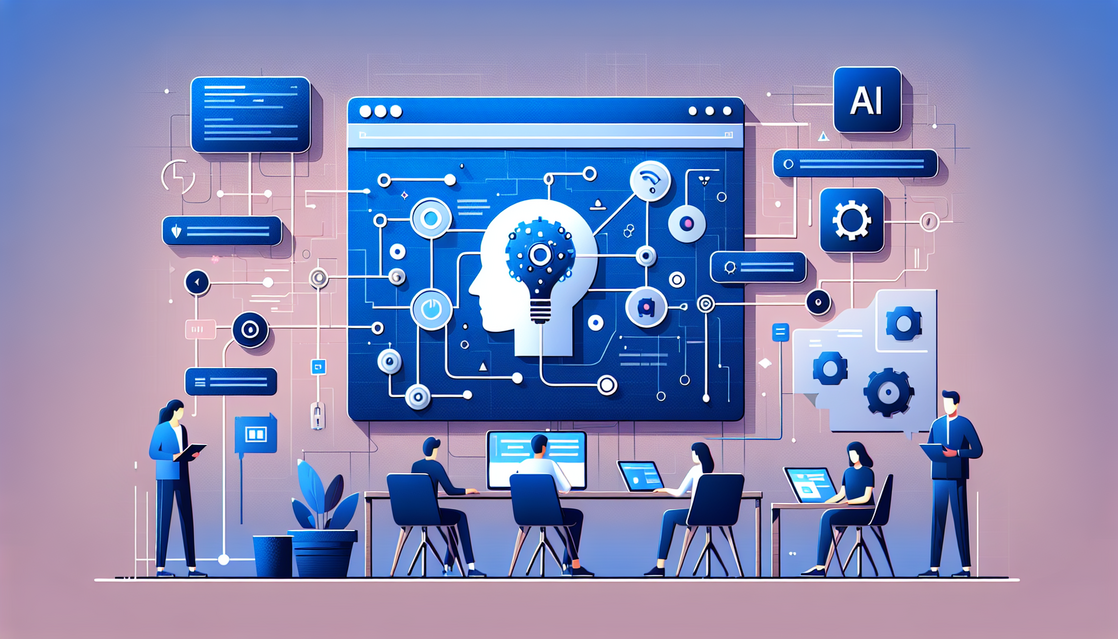
Event-Driven AI Automation Using Webhooks
In today’s fast-paced digital world, businesses and developers are increasingly turning to automation to streamline workflows and enhance productivity. One of the most powerful approaches revolutionizing automation is event-driven AI automation using webhooks. In this article, we’ll explore what this means, how it works, and why it matters to anyone looking to build smarter, more responsive applications and systems.
Understanding Event-Driven AI Automation
What is Event-Driven Automation?
Event-driven automation is a methodology where actions are triggered by specific events rather than being scheduled or manually started. An event could be anything from a new user signing up, an order being placed, or a sensor reporting data. Systems that respond dynamically to these events enable faster, more efficient processes.
The Role of AI in Event-Driven Systems
Integrating artificial intelligence (AI) into event-driven frameworks allows for smarter decision-making and adaptive responses. AI can analyze incoming events in real-time, predict outcomes, and decide the best course of action, automating complex tasks that would otherwise require human intervention.
Why Use Webhooks?
Webhooks are user-defined HTTP callbacks triggered by specific events. They enable different applications to communicate instantly and automatically. For example, when a payment is processed on an e-commerce platform, the platform can send a webhook notification to a fulfillment system. Webhooks make event-driven AI automation seamless by providing real-time triggers and facilitating integration across diverse systems.
Setting Up Event-Driven AI Automation Using Webhooks
Step 1: Identify Key Events
Start by mapping out the critical events in your workflow that should trigger automation. Ask questions like:
- What user actions or system states need immediate response?
- When is AI intervention most beneficial?
Example events include:
- New user registration
- Customer support ticket creation
- Inventory running low
- Abnormal sensor readings in IoT devices
Step 2: Configure Webhooks
After identifying events, configure your applications or services to emit webhooks when these events occur. Most modern platforms allow custom webhook creation and have settings for payloads and endpoints.
// Example: Receiving a webhook in Node.js (Express.js)
const express = require('express');
const app = express();
app.use(express.json()); // Parse JSON payload

// Endpoint to receive webhook
app.post('/webhook', (req, res) => {
  const event = req.body;
  console.log('Webhook received:', event);
  // Process event here (e.g., trigger AI model)
  res.status(200).send('Webhook received');
});

app.listen(3000, () => console.log('Server running on port 3000'));
This code sets up a simple server that listens for webhook POST requests and logs the event data.
Step 3: Integrate AI for Automated Responses
Once your webhook handler receives event data, you can integrate AI models or services to analyze the data and decide subsequent steps.
- Use natural language processing (NLP) for automated customer support responses.
- Leverage machine learning for predictive analytics on incoming data.
- Trigger robotic process automation (RPA) for repetitive tasks based on event data.
// Example: Simple AI logic after webhook reception
function handleEvent(event) {
  if(event.type === 'new_ticket') {
    // Use AI to categorize ticket and assign priority
    const priority = aiModel.predictPriority(event.details);
    assignTicket(event.id, priority);
  }
}
In this example, an AI model predicts the priority of a new support ticket, which helps automate ticket triaging.
Real-World Use Cases and Best Practices
E-Commerce Order Processing
When a customer places an order online, a webhook can notify the warehouse system instantly. AI-powered automation can then optimize inventory management, schedule shipments, and communicate delivery updates to customers, all without manual intervention.
Customer Support Automation
Webhooks triggered by new support tickets can feed data into an AI-based chatbot or ticket prioritization system. This reduces response time, increases customer satisfaction, and frees agents for more complex issues.
IoT and Smart Devices Monitoring
IoT sensors emit events continuously. Using webhooks, these events trigger AI systems that monitor for anomalies, predict maintenance needs, or automatically adjust device settings, leading to smarter and more efficient operations.
Best Practices for Event-Driven AI Automation Using Webhooks
- Secure your webhooks: Use authentication tokens or secret keys to validate webhook sources.
- Design for reliability: Handle retries, duplicate events, and failures gracefully.
- Keep payloads lightweight: Send only necessary data to minimize processing overhead.
- Monitor and log: Maintain logs for webhook calls and AI decisions for troubleshooting and improvement.
Optimizing Your Workflow with Event-Driven AI Automation Using Webhooks
Choosing the Right Tools and Platforms
To build efficient automation workflows, select platforms that support robust webhook functionality and AI integration. Popular options include:
- Zapier, Integromat (Make): For connecting apps with webhook triggers and AI services.
- Cloud Providers (AWS, Azure, GCP): For custom AI model deployment and event-driven functions (e.g., AWS Lambda).
- AI APIs: OpenAI, Google Cloud AI, Azure Cognitive Services for AI capabilities.
Automating with Serverless Functions
Serverless platforms allow you to run code in response to webhook events without managing servers. They scale automatically, making them ideal for event-driven AI automation.
Examples of Streamlined Automation Patterns
- Event Reception: Webhook POST to serverless function.
- AI Processing: Function calls AI API to analyze or predict.
- Action Triggered: Based on AI output, send notifications, update databases, or call third-party services.
Example workflow for a sentiment analysis on customer feedback received via webhook:
async function processFeedbackWebhook(req, res) {
  const data = req.body;
  // Call AI API to analyze sentiment
  const sentiment = await analyzeSentiment(data.feedback);

  if(sentiment === 'negative') {
    // Trigger alert to support team
    await notifySupport(data.customerId, data.feedback);
  }
  res.status(200).send('Processed');
}
Conclusion
Event-Driven AI Automation Using Webhooks represents a cutting-edge approach to making applications smarter and more responsive by connecting real-time events with AI-powered decision-making. By embracing this methodology, organizations can unlock automation opportunities that improve efficiency, scalability, and user experience across industries.
Whether you’re in e-commerce, customer support, IoT, or virtually any sector, understanding and implementing event-driven AI automation using webhooks is a game-changer. Start identifying your key events, set up webhook infrastructure, and integrate AI to take your automation to the next level.
Ready to revolutionize your workflows with Event-Driven AI Automation Using Webhooks? Start experimenting today and harness the true power of intelligent automation.

Kamran Afzal is a passionate programming mentor dedicated to helping aspiring developers become proficient in Drupal. With extensive industry experience, Kamran is committed to sharing his knowledge and guiding learners from beginner to advanced levels. His YouTube channel, Programming Mentor, offers clear and engaging tutorials on a variety of topics. Skills: Drupal 9, 10, 11, PHP frameworks, AWS, React, Angular, Node.js, MySQL, Apache, Nginx, Apache Solr, Elasticsearch, Memcache, REST API, Git, Twig

0 Comments