





Build React Applications with AI Features
In today’s rapidly evolving tech landscape, combining the power of React with Artificial Intelligence (AI) is revolutionizing how we build web applications. Whether you’re a seasoned developer or a beginner, learning how to build React applications with AI features can immensely enhance the user experience and offer intelligence-driven functionalities that make your app stand out.
Understanding the Basics of Integrating AI in React
Before diving into the complex facets, it’s important to understand how AI fits naturally
into a React-based architecture. React, as a front-end library, offers a smooth and modular approach to building user interfaces. AI, on the other hand, often involves data processing, machine learning models, or APIs that provide insights or automation capabilities.
What Does AI Add to React Applications?
- Personalization: Tailoring the content and UI based on user behaviors and preferences.
- Automation: Using AI-powered chatbots or assistants to improve customer support.
- Predictive Functions: Offering recommendations or predictive text to enhance user interaction.
- Smart Analytics: Providing insightful data visualizations based on AI analysis.
Common AI Technologies to Use
- Natural Language Processing (NLP): For chatbots, sentiment analysis, and language interpretation.
- Computer Vision: For image recognition or video analysis directly in the application.
- Machine Learning APIs: Leveraging cloud services like TensorFlow.js, Google Cloud AI, or IBM Watson.
Setting Up Your React Project to Include AI Features
Building a React app with AI features requires careful project setup. Let’s explore how to prepare your environment and integrate AI capabilities smoothly.
Build React Applications with AI Features
Start by setting up a React app using Create React App or Vite for a modern, optimized environment.
// Create a new React project using Create React App
npx create-react-app ai-react-app
cd ai-react-app
npm start
Installing AI Libraries and SDKs
Select AI libraries that best suit your project’s needs. Here are some popular ones:
@tensorflow/tfjs: TensorFlow.js for machine learning in JavaScript.react-chatbot-kit: For easy chatbot UI integration.axios: For requesting AI API services like OpenAI or Google Cloud.
// Example: Installing TensorFlow.js and axios
npm install @tensorflow/tfjs axios
Connecting to AI APIs
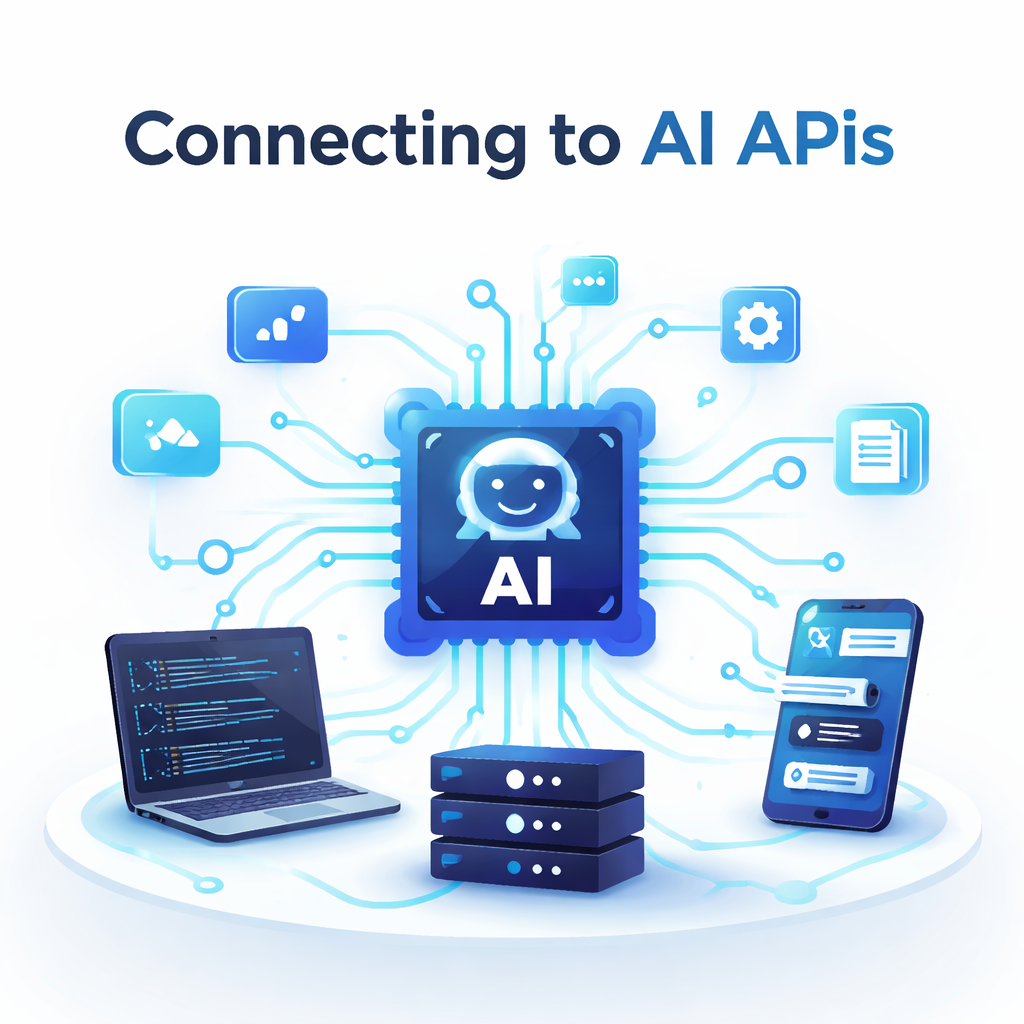
Many AI functionalities come from APIs rather than local processing. Here’s an example of how to connect to an external AI API using axios:
import axios from 'axios';

const fetchAIResponse = async (userInput) => {
  try {
    const response = await axios.post('https://api.exampleai.com/analyze', {
      text: userInput,
    });
    return response.data;
  } catch (error) {
    console.error('Error fetching AI response:', error);
    return null;
  }
};

// Usage example inside a React component
// const result = await fetchAIResponse('Hello AI!');
Popular AI Features to Implement in React Applications
Now that you have an environment set up, let’s discuss some practical AI feature implementations that are in demand.
Implementing AI Chatbots
Chatbots are among the most popular AI integrations that improve engagement and provide real-time assistance.
import React, { useState } from 'react';
import axios from 'axios';

const AIChatbot = () => {
  const [input, setInput] = useState('');
  const [messages, setMessages] = useState([]);

  const sendMessage = async () => {
    if (!input) return;
    setMessages([...messages, { sender: 'user', text: input }]);

    try {
      const response = await axios.post('https://api.exampleai.com/chat', { message: input });
      setMessages(prev => [...prev, { sender: 'bot', text: response.data.reply }]);
    } catch (error) {
      setMessages(prev => [...prev, { sender: 'bot', text: 'Sorry, something went wrong.' }]);
    }

    setInput('');
  };

  return (
    <div>
      <h3>AI Chatbot</h3>
      <div>
        {messages.map((msg, index) => (
          <div key={index} style={{ textAlign: msg.sender === 'user' ? 'right' : 'left' }}>
            <strong>{msg.sender === 'user' ? 'You' : 'Bot'}:</strong> {msg.text}
          </div>
        ))}
      </div>
      <input
        type="text"
        value={input}
        onChange={e => setInput(e.target.value)}
        placeholder="Enter your message"
      />
      <button onClick={sendMessage}>Send</button>
    </div>
  );
};

export default AIChatbot;
Adding Image Recognition with TensorFlow.js
Use TensorFlow.js to add client-side image recognition AI that runs directly in the user’s browser.
import React, { useRef, useEffect, useState } from 'react';
import * as tf from '@tensorflow/tfjs';
import * as mobilenet from '@tensorflow-models/mobilenet';

const ImageRecognition = () => {
  const [model, setModel] = useState(null);
  const [predictions, setPredictions] = useState([]);
  const imageRef = useRef();

  useEffect(() => {
    // Load the MobileNet model on component mount
    const loadModel = async () => {
      const loadedModel = await mobilenet.load();
      setModel(loadedModel);
    };
    loadModel();
  }, []);

  const classifyImage = async () => {
    if (model && imageRef.current) {
      const preds = await model.classify(imageRef.current);
      setPredictions(preds);
    }
  };

  return (
    <div>
      <h3>Image Recognition</h3>
      <img
        ref={imageRef}
        src="https://tensorflow.org/images/blogs/mobilenet/motorbike.jpg"
        alt="Sample"
        width="300"
        height="200"
      />
      <button onClick={classifyImage}>Classify Image</button>
      <ul>
        {predictions.map((pred, index) => (
          <li key={index}>{pred.className} - {(pred.probability * 100).toFixed(2)}%</li>
        ))}
      </ul>
    </div>
  );
};

export default ImageRecognition;
Building Recommendation Systems
Recommendation engines enhance user experience by suggesting products, content, or actions based on previous data.
While complex ML models run best on servers, you can start with simple logic in React:
const recommendations = {
  book: ['The AI Advantage', 'React and AI', 'Learning TensorFlow'],
  movie: ['The Matrix', 'Her', 'Ex Machina'],
};

const RecommendationComponent = ({ userInterest }) => {
  const items = recommendations[userInterest] || ['No recommendations available.'];

  return (
    <div>
      <h3>Recommended for you</h3>
      <ul>
        {items.map((item, index) => (
          <li key={index}>{item}</li>
        ))}
      </ul>
    </div>
  );
};

export default RecommendationComponent;
Best Practices and SEO Tips for AI-Integrated React Applications
Optimizing Performance
- Load AI models asynchronously to avoid blocking UI rendering.
- Use lazy loading for components that are AI-heavy.
- Cache API results to reduce network calls.
- Minimize bundle size by importing only required modules.
SEO and Accessibility Considerations
Even with AI features, maintaining SEO and accessibility is crucial:
- Use semantic HTML tags for structure (
<h1>,<h2>,<section>). - Ensure AI-generated content is crawlable by search engines.
- Implement server-side rendering (SSR) or static site generation (SSG) with frameworks like Next.js for better SEO.
- Add alt text for images used in AI components.
- Make interactive AI features keyboard-navigable and screen-reader-friendly.
Security and Privacy
- Handle user data carefully when sending information to AI services.
- Use HTTPS to protect network communication.
- Comply with data privacy regulations like GDPR when collecting or processing user data.
Conclusion
Learning to build React applications with AI features opens up an exciting frontier in web development. With AI, you can create smarter, more engaging, and personalized apps that deliver value to users and stand out in competitive markets. By integrating AI carefully—through APIs, client-side machine learning, or chatbots—you not only enhance functionality but also optimize performance and maintain SEO best practices.
Start experimenting today with React and AI to transform your projects into intelligent applications. Don’t forget to keep SEO and user experience as your top priorities while building your AI-driven React app, and try to learn about Build Real-Time Web Apps Using WebSockets
Ready to Build React Applications with AI Features? Dive into coding, explore AI APIs, and innovate like never before. This is the best course for you

Kamran Afzal is a passionate programming mentor dedicated to helping aspiring developers become proficient in Drupal. With extensive industry experience, Kamran is committed to sharing his knowledge and guiding learners from beginner to advanced levels. His YouTube channel, Programming Mentor, offers clear and engaging tutorials on a variety of topics. Skills: Drupal 9, 10, 11, PHP frameworks, AWS, React, Angular, Node.js, MySQL, Apache, Nginx, Apache Solr, Elasticsearch, Memcache, REST API, Git, Twig


0 Comments