





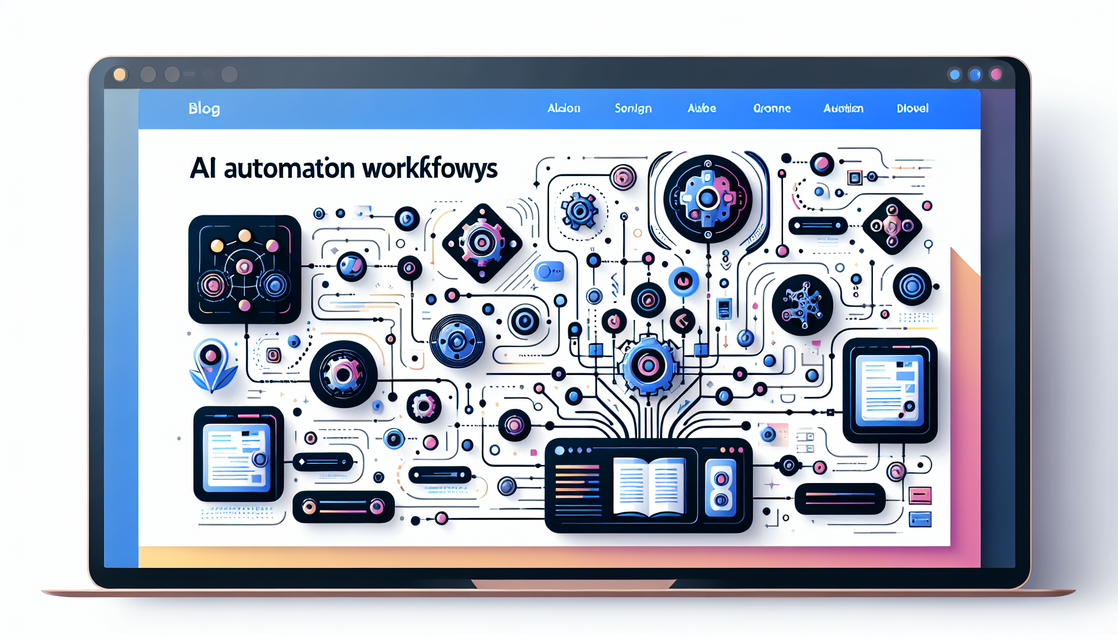
AI Automation Workflows Using n8n
In the ever-evolving landscape of automation and artificial intelligence, AI automation workflows using n8n stand out as a powerful and flexible solution for both beginners and professionals. Whether you’re looking to automate repetitive tasks, integrate multiple apps seamlessly, or leverage AI to supercharge your workflows, n8n offers a low-code environment to help you build custom automation easily and efficiently.
This article will guide you through the key aspects of using n8n for AI automation workflows, from setting up your environment and integrating AI services to designing and optimizing workflows for complex use cases. By the end, you’ll have a clear understanding of how to start creating AI-powered automation workflows with n8n—no extensive coding experience required!
Getting Started With n8n for AI Automation
What is n8n?
n8n is an open-source workflow automation tool that allows you to connect various services and APIs with a visual interface. It supports over 200 different integrations and provides a low-code platform where users can easily construct automation from simple to complex workflows.
The platform is ideal for creating AI automation workflows using n8n because it can:
- Integrate AI APIs such as OpenAI, Hugging Face, or custom ML models
- Trigger workflows based on events (HTTP requests, webhooks, scheduled jobs)
- Provide flexibility with JavaScript code nodes for advanced logic
Setting Up n8n
Before building AI automation workflows, you need to set up n8n. You can run it locally, on a server, or via cloud services. Here’s a brief setup using Docker, which is a popular method:
# Pull the latest n8n Docker image
docker pull n8nio/n8n

# Run n8n in a Docker container
   docker run -it --rm \
   -p 5678:5678 \
   n8nio/n8n
Once running, open your browser to http://localhost:5678 to access the n8n editor UI. From here, you can start creating workflows.
Connecting AI Services to n8n
To utilize AI automation, you need to connect n8n to AI service providers. Two popular choices are:
- OpenAI: For natural language processing, chatbots, text summarization, etc.
- Hugging Face: For more specialized AI models such as image recognition, sentiment analysis, or custom transformers.
Integrating these services typically involves obtaining API keys and using HTTP request nodes or dedicated integrations inside n8n.
Designing AI Automation Workflows in n8n
Basic Workflow Example: Text Summarization
Let’s look at a simple example: using OpenAI to summarize text automatically when you receive new text input (e.g., email, form submission).
- Trigger node: Webhook or Schedule Trigger to start the workflow
- Set node: Define the input text that needs summarization
- HTTP Request node: Call OpenAI’s API to summarize the text
- Output node: Send the summarized result via email or store it in a database
// Example JavaScript code within an n8n Function node to prepare payload for OpenAI
return [{
  json: {
    model: 'gpt-3.5-turbo',
    messages: [
      { role: 'system', content: 'You are a helpful assistant.' },
      { role: 'user', content: $json.inputText }
    ],
    max_tokens: 100
  }
}];
This approach requires minimal coding and shows how you can leverage AI in automated workflows seamlessly.
Advanced Workflow: Multi-Step AI Assistance
For more complex scenarios, you might want workflows that involve multiple AI-powered decisions or combine several APIs.
- Trigger workflow on new customer message
- Use AI to detect sentiment or urgency
- Route message internally based on AI classification
- Auto-generate response drafts using AI
- Send notification to support teams for review
This kind of workflow scales automation capabilities while maintaining human oversight.
Best Practices for AI Workflows in n8n
- Modularize your workflows by separating different logic steps into sub-workflows.
- Use environment variables for API keys and sensitive data.
- Implement error handling nodes to handle API failures gracefully.
- Test workflows incrementally to troubleshoot possible integration issues.
Optimizing and Extending Your AI Automation Workflows
Scaling Your Automation
As your needs grow, you can scale AI automation with n8n by:
- Deploying n8n on cloud platforms with load balancing
- Utilizing queueing systems or databases to handle large volumes of data
- Scheduling workflows to run during off-peak hours for cost efficiency
Custom Code and API Integrations
You can extend the functionality of n8n workflows by writing custom JavaScript within function nodes or creating your own integrations using n8n’s API.
// Example: Custom JavaScript in an n8n Function Node to extract email domain
const email = $json.email;
const domain = email.split('@')[1];
return [{ json: { domain } }];
Monitoring and Maintenance
Ensure your AI automation workflows remain efficient and reliable by:
- Setting up notifications for workflow failures
- Regularly updating API credentials and versions
- Monitoring API usage limits to avoid service interruptions
Conclusion
AI automation workflows using n8n empower you to streamline complex processes by combining AI capabilities with intuitive automation design. Whether you are summarizing texts, handling customer queries, or integrating advanced machine learning models, n8n provides a flexible, beginner-friendly platform to bring your automations to life.
Start experimenting with AI automation workflows using n8n today and unlock new efficiencies in your personal or business projects.
Meta Description: Learn how to create AI automation workflows using n8n. Discover beginner-friendly steps, integration tips, advanced examples, and best practices to automate tasks with AI and n8n.

Kamran Afzal is a passionate programming mentor dedicated to helping aspiring developers become proficient in Drupal. With extensive industry experience, Kamran is committed to sharing his knowledge and guiding learners from beginner to advanced levels. His YouTube channel, Programming Mentor, offers clear and engaging tutorials on a variety of topics. Skills: Drupal 9, 10, 11, PHP frameworks, AWS, React, Angular, Node.js, MySQL, Apache, Nginx, Apache Solr, Elasticsearch, Memcache, REST API, Git, Twig

0 Comments